 PRIMARY CLUSTER
Data & Server Interconnect
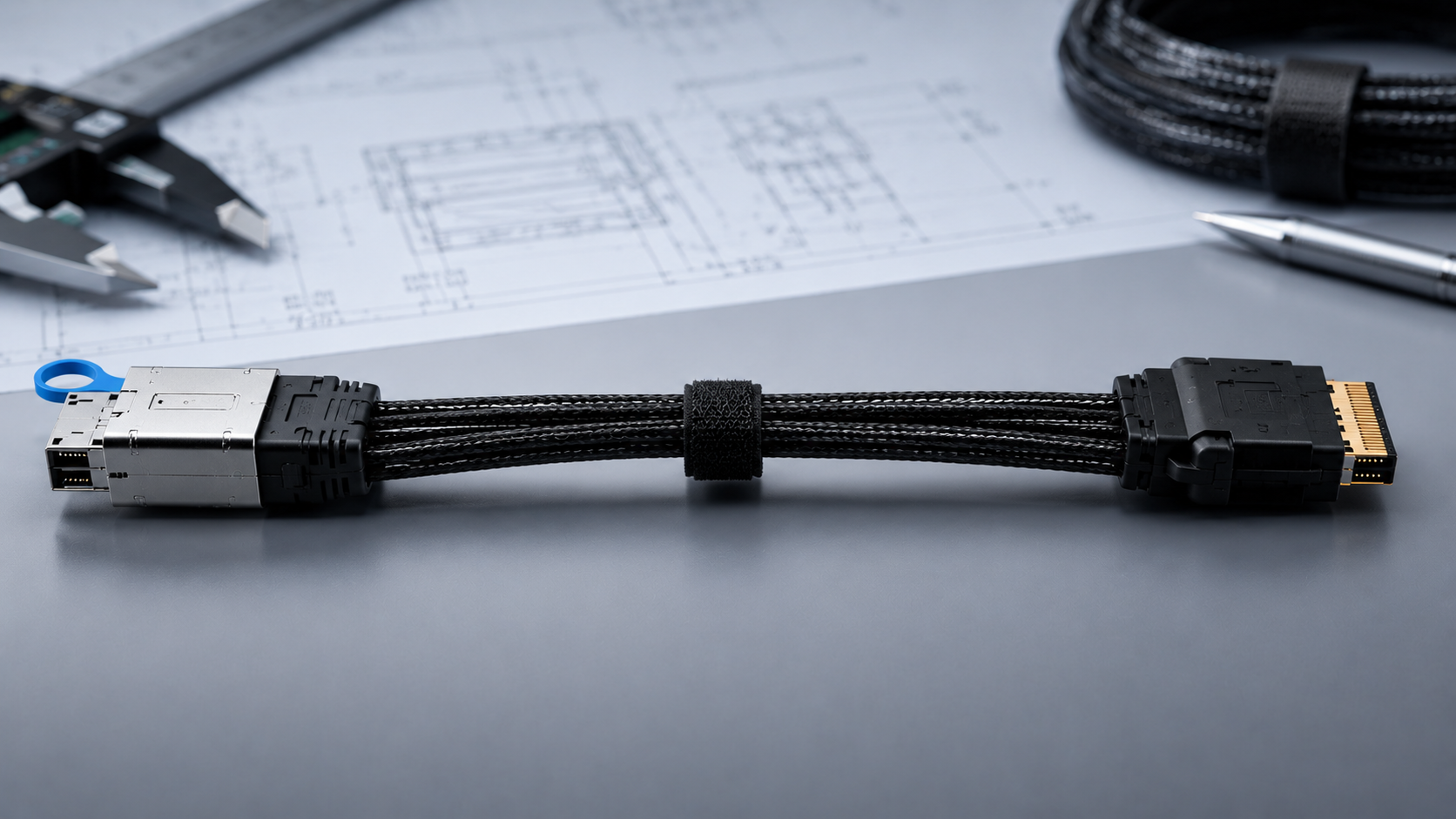
MCIO, SlimSAS, Mini SAS HD and Mini SAS launch pages support high-intent server and storage RFQs.
MCIOSlimSASMini SAS HDMini SAS
Browse by connector family, compare the available options and open the page that best matches your application.
 12Product pages
 6Product family routes
 2Primary product clusters
 1Quote form
Choose a product family when you know the connector. If you only know the equipment or application, start with Custom Cable or send the inquiry directly.
PRIMARY CLUSTERMCIO, SlimSAS, Mini SAS HD and Mini SAS launch pages support high-intent server and storage RFQs.

 PROJECT INTAKE PATH
HDMI, PCIe, OCuLink, external SAS, SATA and other requirements can begin through Custom Cable or quote request while product evidence and page scope are reviewed.
Each family page organizes exact configurations or an application-led RFQ path without expanding unsupported product or performance claims.
 4 RFQ pages
Server, storage and high-density internal interconnect requirements where endpoint, orientation and platform context must be reviewed.
Useful RFQ inputsEndpoint · Lane requirement · Host / target · OrientationExplore MCIO → 4 RFQ pages
Compact internal cable requirements involving straight, angled, device-side or breakout configurations.
Useful RFQ inputsSFF reference · Endpoint · Breakout direction · Cable exitExplore SlimSAS →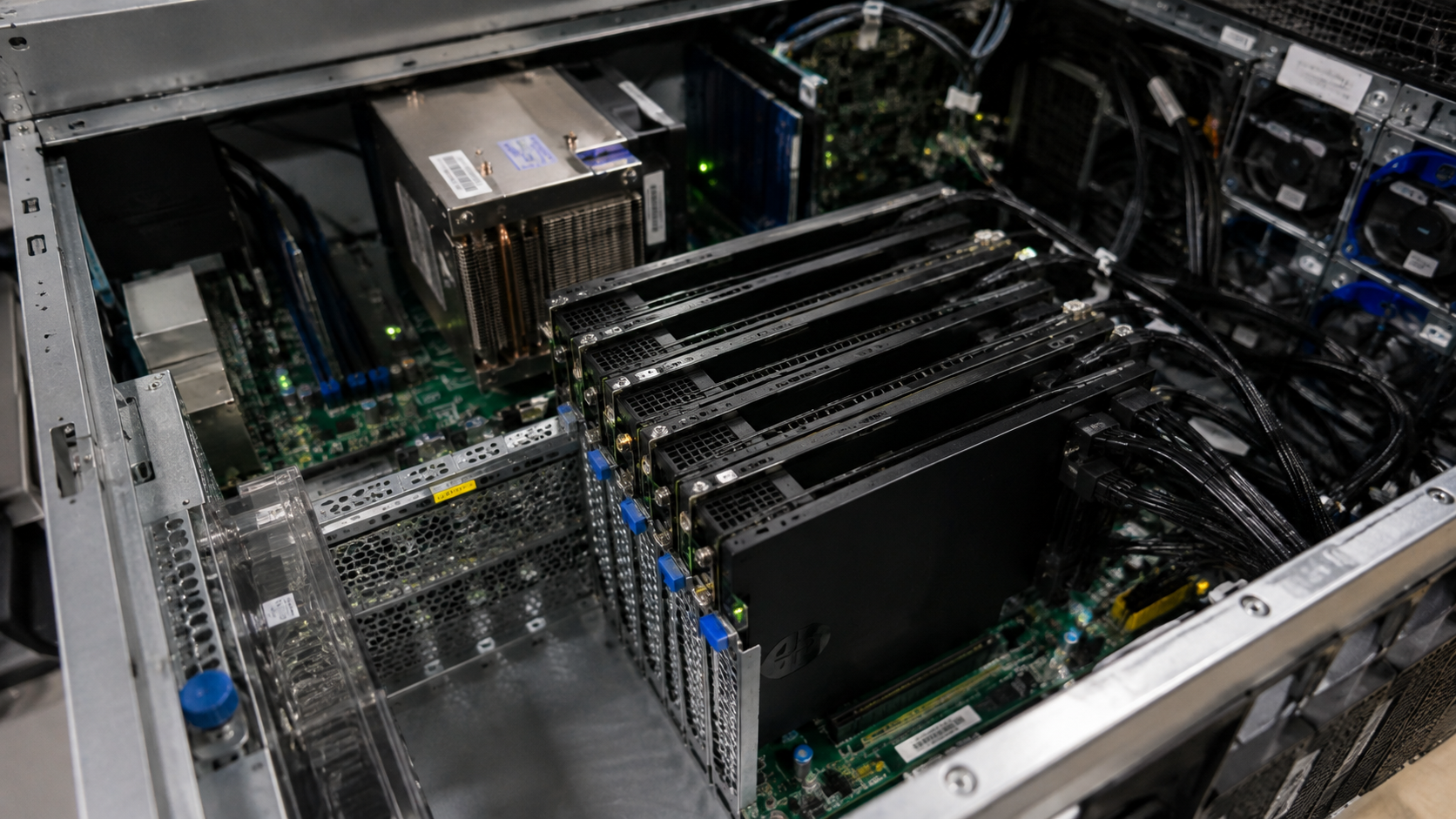 3 RFQ pages
High-density SAS-family requirements where internal/external location, target device and direction affect selection.
Useful RFQ inputsConnector location · Direction · Target · Mechanical spaceExplore Mini SAS HD → 1 RFQ page
Storage interconnect and breakout sourcing where forward/reverse direction and endpoint definition are essential.
Useful RFQ inputsController / backplane · Drive side · Direction · QuantityExplore Mini SAS → 2 available options
Cross-family OCuLink endpoint requirements where source connector, host/target roles, topology and installation must be reviewed.
Useful RFQ inputsSource connector · OCuLink form · Lane topology · RoutingExplore OCuLink → Application-led RFQ
GPU, accelerator and expansion-system cable projects where interface, lane topology, power and mechanical fit require project review.
Useful RFQ inputsHost interface · Endpoint · Lane topology · Power boundaryExplore PCIe →Connector appearance is only one input. Selection requires the application, endpoints and project constraints.
01Identify the host/controller, backplane, drive, GPU, display or target device.
02Provide the connector name, SFF reference, photo, drawing or existing sample.
 03
03Share cable exit, orientation, length, routing space or bend constraints when known.
04Do not assume forward/reverse breakout or host-to-target compatibility from connector names alone.
 05
05State concept, prototype, pilot or volume stage so the RFQ matches the real decision point.
 06
06Send the documentation, inspection, compliance, labeling or packaging needs.
Each page explains what the cable may fit, what commonly goes wrong and which details we need before quoting.
4 available pages
MCIO size, SlimSAS endpoint and orientation must match.
Review configuration →Host/target direction and lane mapping can make the wrong cable unusable.
Review configuration →U.2 count, power and topology need confirmation.
Review configuration →
Endpoint, orientation and length vary by platform.
Review configuration →4 available pages
Drive count, power and topology need confirmation.
Review configuration →
Breakout direction, exit and SATA orientation can mismatch.
Review configuration →Endpoint, orientation and breakout configuration vary.
Review configuration →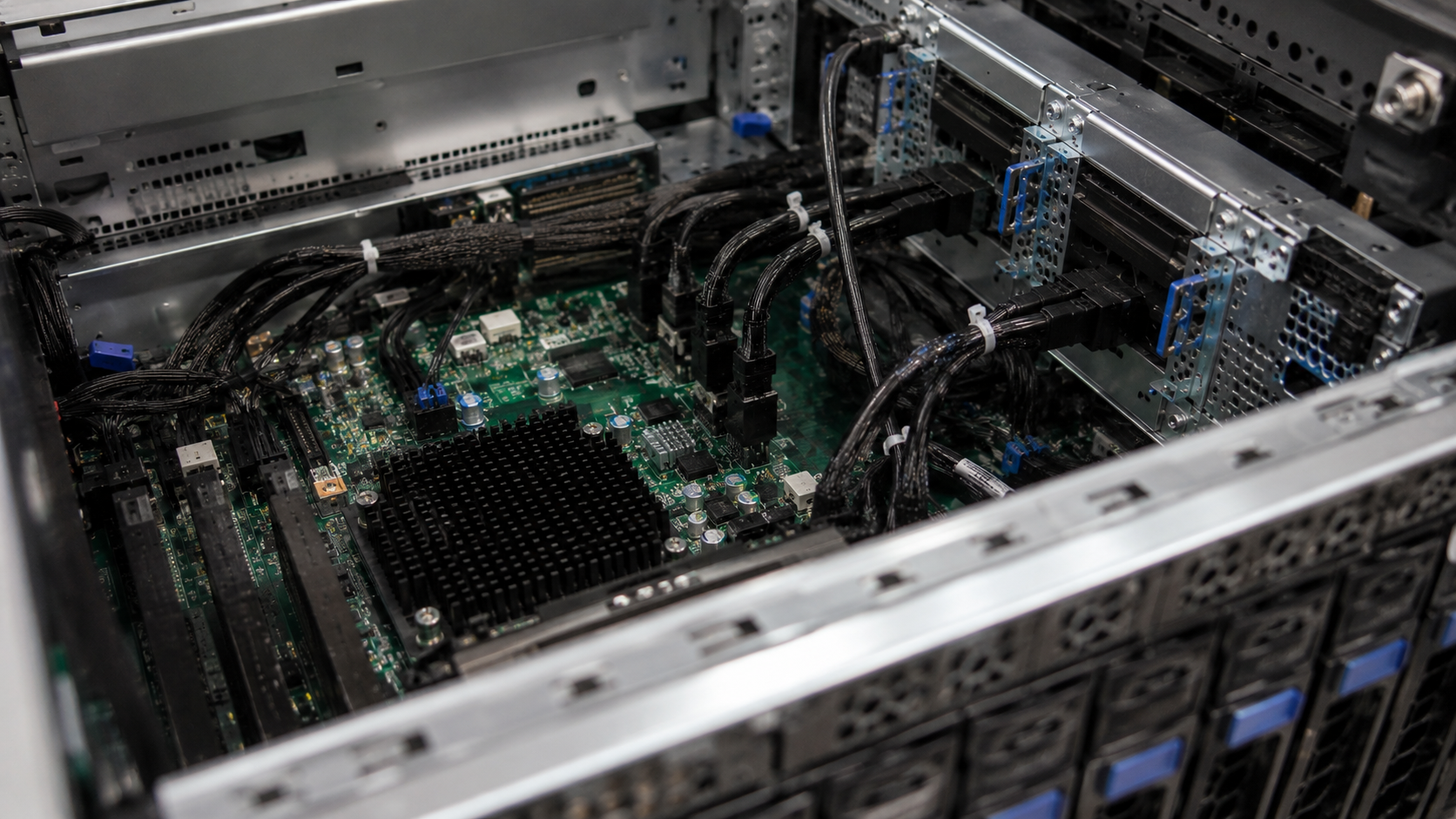
Space constraints and endpoint choice drive the requirement.
Review configuration →3 available pages
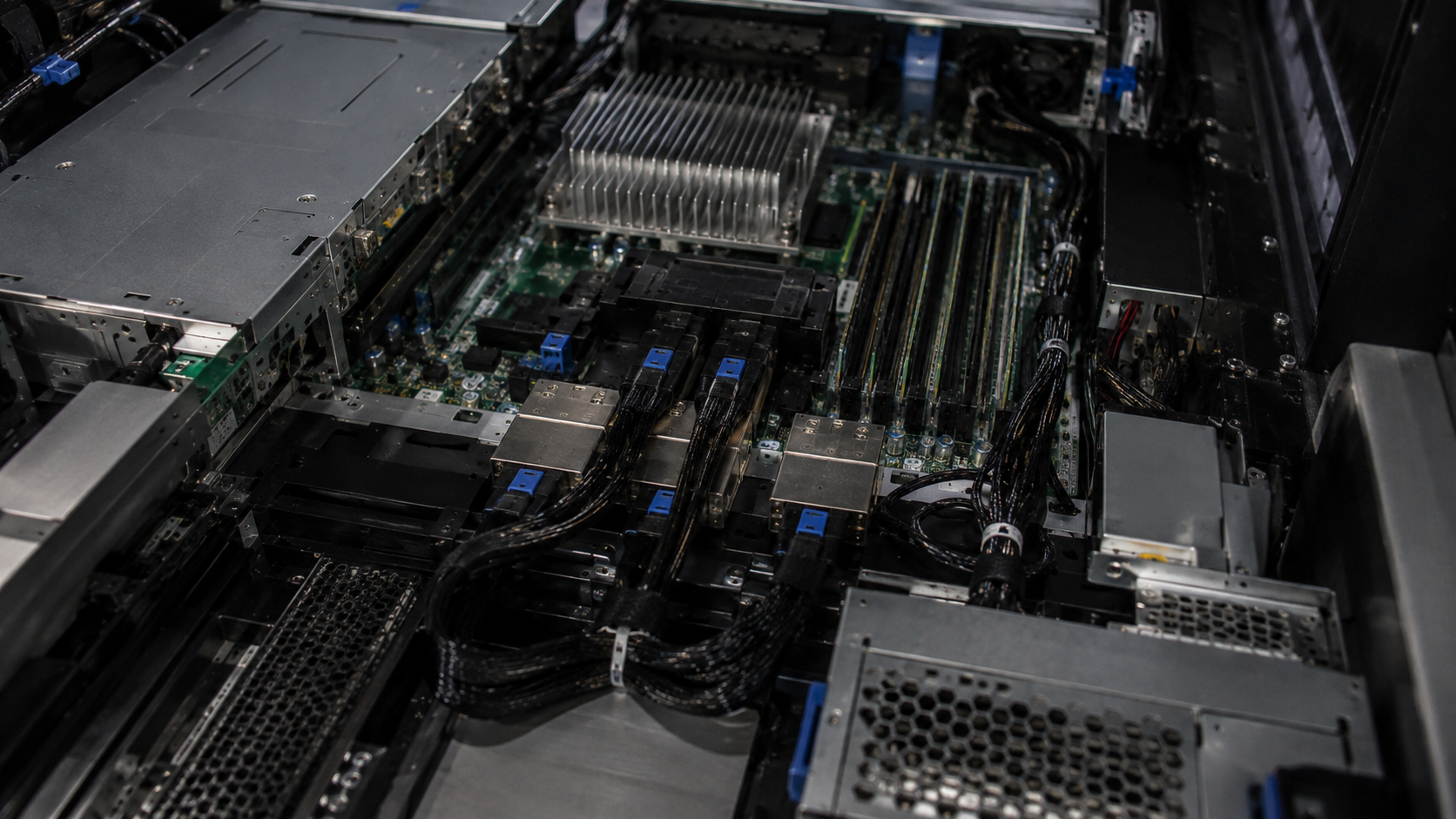
Forward/reverse direction and exit angle are common failure points.
Review configuration →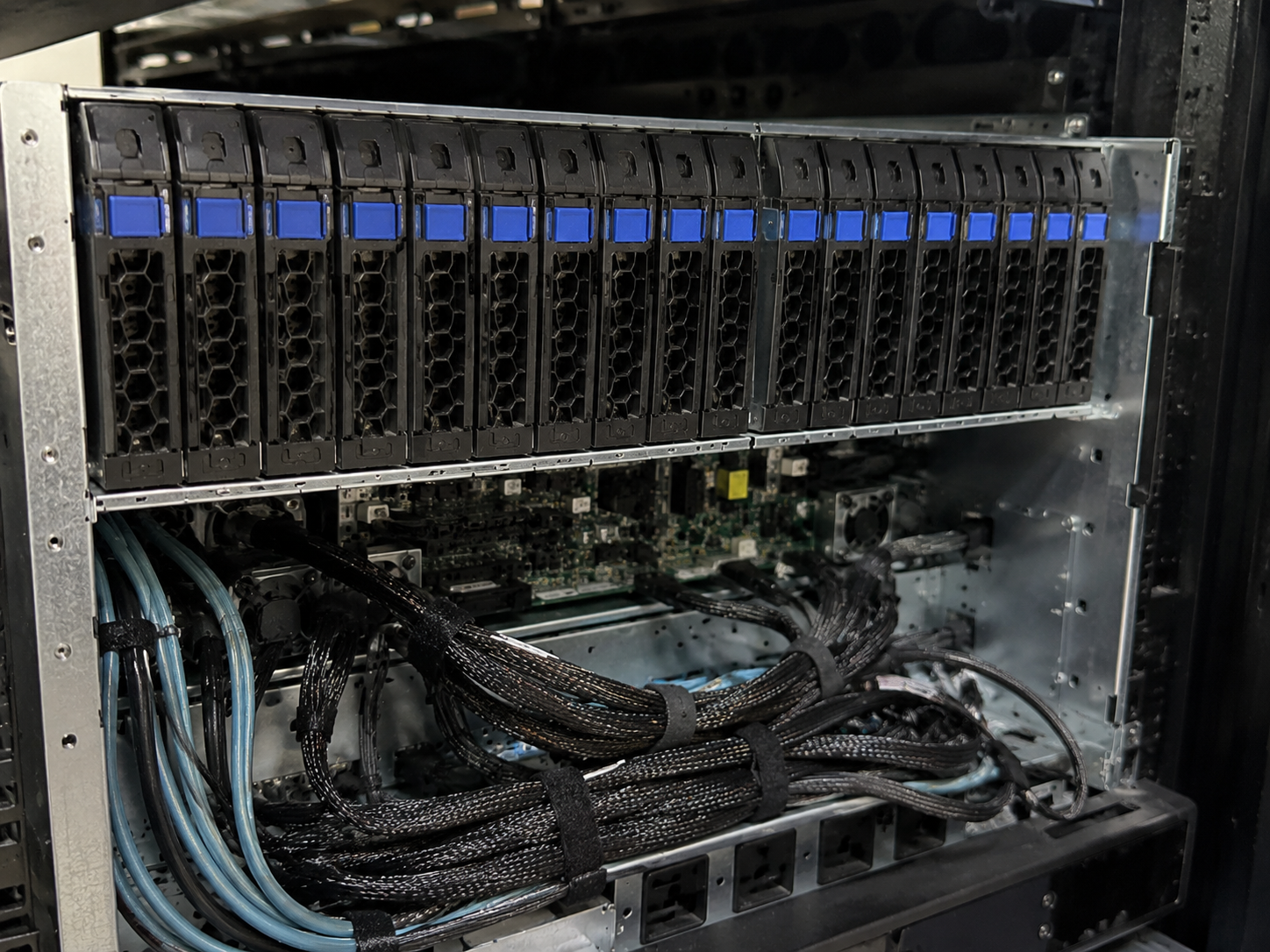
U.2 count, power and terminology require careful matching.
Review configuration →Host/target direction confusion can make the cable unusable.
Review configuration →1 available page
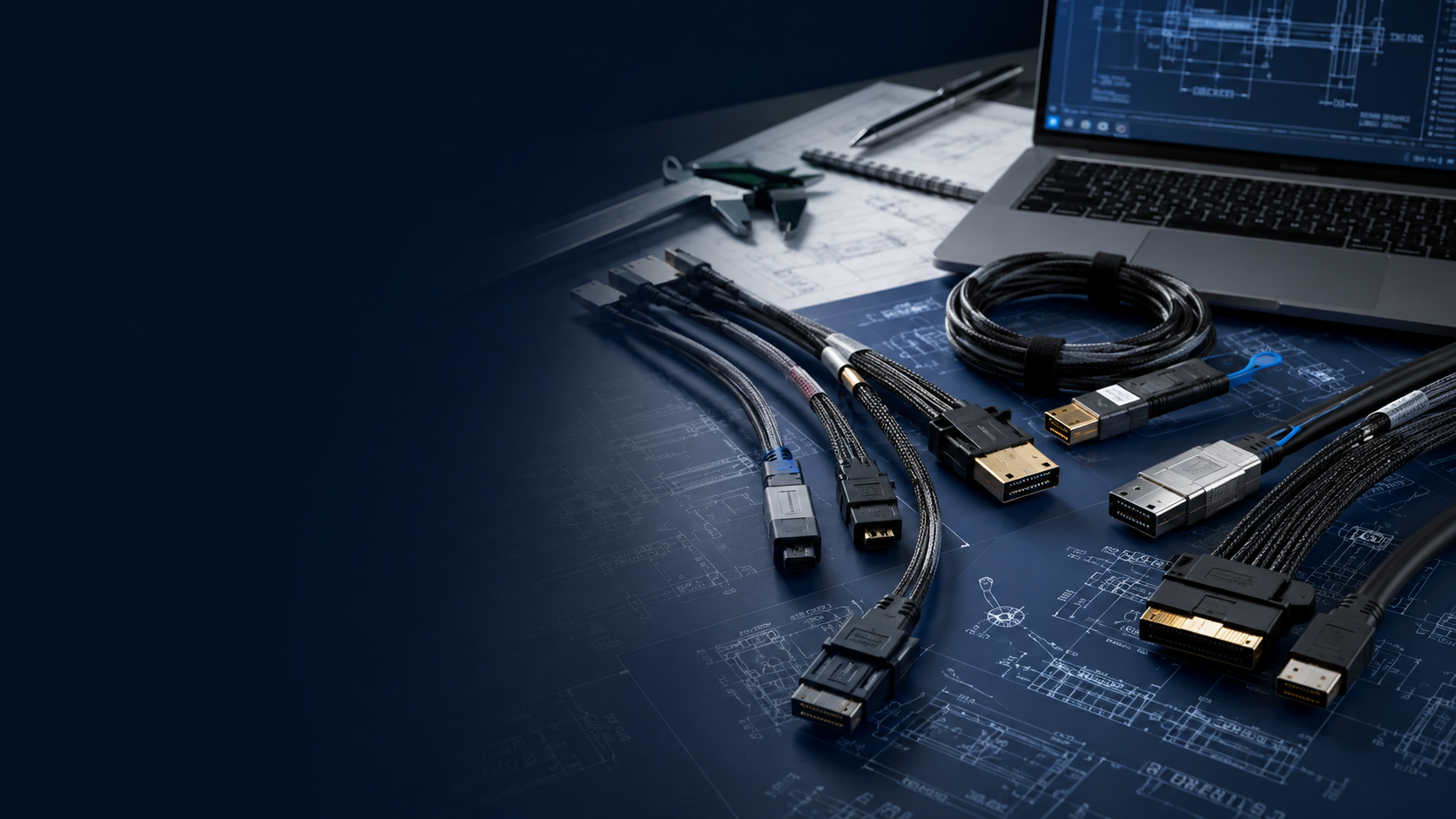
If your cable family, connector combination or application is not listed, do not select a near-looking product. Send the actual project context and references.
Connector A / B or photosHost, target and applicationLength, orientation and quantity Drawing, specification or sample
Product-family presence and catalog mappings can provide an RFQ starting point. Direction, pinout, compatibility, generation, data rate, bandwidth, AWG, length, compliance and other technical details are published only when supporting documents apply to that exact configuration.
01Endpoints02Review 03Partner04Quote