 01
Host-side connector
Confirm whether the source is SlimSAS, MCIO, Mini SAS HD, a backplane or another board connector.
U.2 cable requests are storage-system questions, not just connector questions. The right cable depends on host side, drive side, power arrangement, lane path, cable exit and chassis installation.
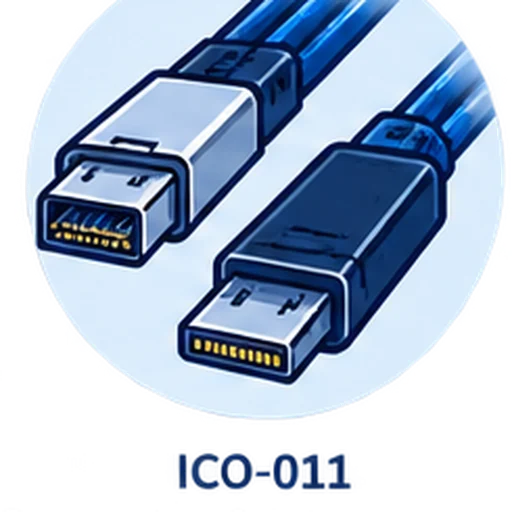 EndpointsApplication
 Drawing / sample

U.2 cable requests are storage-system questions, not just connector questions. The right cable depends on host side, drive side, power arrangement, lane path, cable exit and chassis installation.
U.2 cable assemblies sit inside a storage equipment relationship. The quote depends on whether the source is SlimSAS, MCIO, Mini SAS HD or a backplane, and whether the U.2 side connects directly to a drive, tray or adapter. Power and mechanical fit must be checked before purchase.
Use this table to prepare the first RFQ message. List unavailable details as review questions.
If a detail is not available yet, list it as an open question for supplier review.
01Confirm whether the source is SlimSAS, MCIO, Mini SAS HD, a backplane or another board connector.
02Identify whether the U.2 side connects directly to a drive, a tray, a backplane or an adapter board.
 03
Check whether power is supplied separately, through the backplane or through a defined cable harness.
 04
Do not assume the connector proves PCIe or storage compatibility; use platform documentation when available.
 05
Drive-bay space, plug angle, latch clearance and bend path can decide whether the cable can be installed.
06Send equipment models, connector photos, length, quantity, drawing, old cable label or sample.
Resolve these points before comparing price, lead time or sample approval.
U.2 requests often need a separate power decision or a documented harness.
The host-side connector and platform topology control the cable route.
Plug angle, latch clearance and bend path can block installation even when the endpoint is correct.
If U.2 is the target, choose the next page from the source connector. SlimSAS-to-U.2, MCIO-to-U.2 and custom U.2 routes should not be treated as one interchangeable purchase.
Send Your Requirement →01Equipment02References 03Requirements
 04RFQ