 01
01SFF-8654 4i starting point
A 4i request usually means a four-lane path or a breakout that must be checked against the controller, backplane or device side. Confirm direction before buying.
SlimSAS 4i and 8i are not interchangeable purchasing choices. The correct cable depends on the lane requirement, device count, breakout style, connector exit and chassis space.
 EndpointsApplication
 Drawing / sample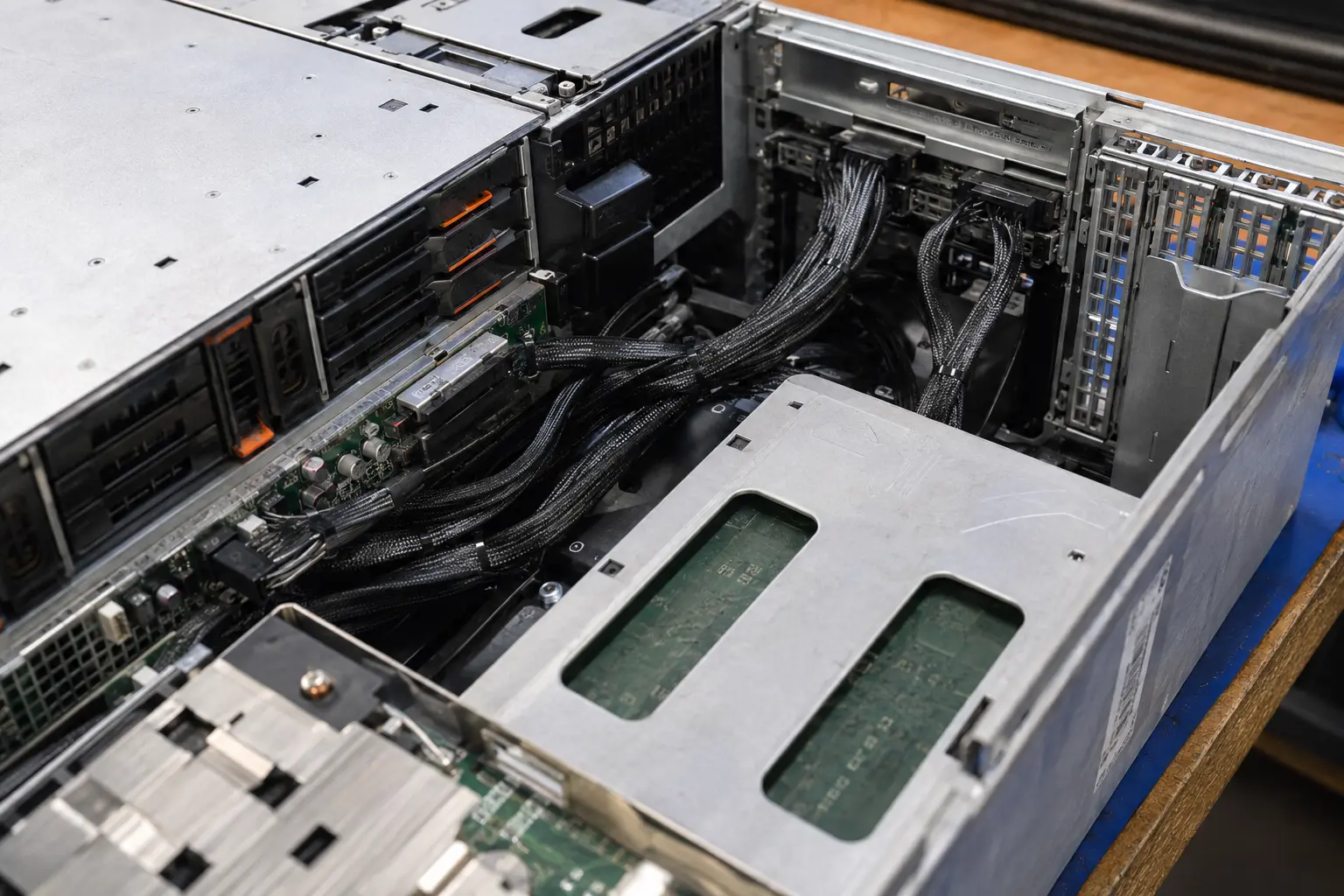
SlimSAS 4i and 8i are not interchangeable purchasing choices. The correct cable depends on the lane requirement, device count, breakout style, connector exit and chassis space.
SlimSAS SFF-8654 4i and 8i selection is mainly a lane-format and endpoint question. The buyer should define the controller or board side, the target device side, whether the cable is straight-through or breakout, and whether the installation requires a special exit direction. The part name alone is not enough to quote safely.
Use this table to prepare the first RFQ message. If an item is unknown, leave it as a review question instead of guessing.
Unknown items can remain open. The goal is to make them visible instead of hiding them inside an assumed product match.
01A 4i request usually means a four-lane path or a breakout that must be checked against the controller, backplane or device side. Confirm direction before buying.
02An 8i request may carry more lanes or connect to U.2, storage backplanes or other internal server routes. Device count and power arrangement must be checked.
 03
03A 4i-to-SATA or 8i-to-U.2 cable can fail if the wiring direction, port order or lane mapping does not match the platform.
 04
04Straight or angled connector, latch side, cable exit, bend path and nearby fans or chassis walls can determine whether the cable can actually be installed.
 05
05Send SFF reference, host equipment, target equipment, required length, quantity, routing photo and any drawing or existing sample.
06We do not publish data rate, generation, power wiring or compatibility until it is supported by the exact cable configuration.
These are the mistakes to remove before price, lead time or sample approval becomes meaningful.
They must match the board connector and topology; one cannot be substituted just because it sounds larger.
A 4i-to-SATA or 8i-to-device assembly may be wired for the opposite relationship.
Straight or angled connectors, latch side and bend path often decide whether a correct electrical cable can physically install.
Choose 4i or 8i from the system requirement, not from catalog preference. If the target is U.2, SATA or another board connector, include that endpoint in the first RFQ so the cable can be checked as a complete path.
Send Your Requirement →01Endpoints02Check 03Build route
 04Quote