 01
When MCIO is usually the starting point
Use the MCIO route when the host board, controller, adapter or backplane specifies an MCIO mating interface. Confirm size, keying, orientation and lane count before quoting.
MCIO and SlimSAS often appear in the same server or storage project, but the right RFQ starts from the board, backplane, drive or adapter relationship—not from the connector name alone.
 EndpointsApplication
 Drawing / sample
MCIO and SlimSAS often appear in the same server or storage project, but the right RFQ starts from the board, backplane, drive or adapter relationship—not from the connector name alone.
MCIO and SlimSAS are both used in compact high-speed internal cable assemblies, but they are not alternative names for the same purchasing item. The correct request depends on which connector is designed into the board, controller, adapter, backplane or drive path. A useful RFQ should therefore begin with equipment roles and evidence, then move to connector family, cable exit, length and quantity.
Use this table to prepare the first RFQ message. List unavailable details as review questions.
If a detail is not available yet, list it as an open question for supplier review.
01Use the MCIO route when the host board, controller, adapter or backplane specifies an MCIO mating interface. Confirm size, keying, orientation and lane count before quoting.
02Use the SlimSAS route when the platform or drawing calls out SFF-8654 4i or 8i. Confirm whether the opposite end is straight, angled, breakout, U.2 or SATA.
 03
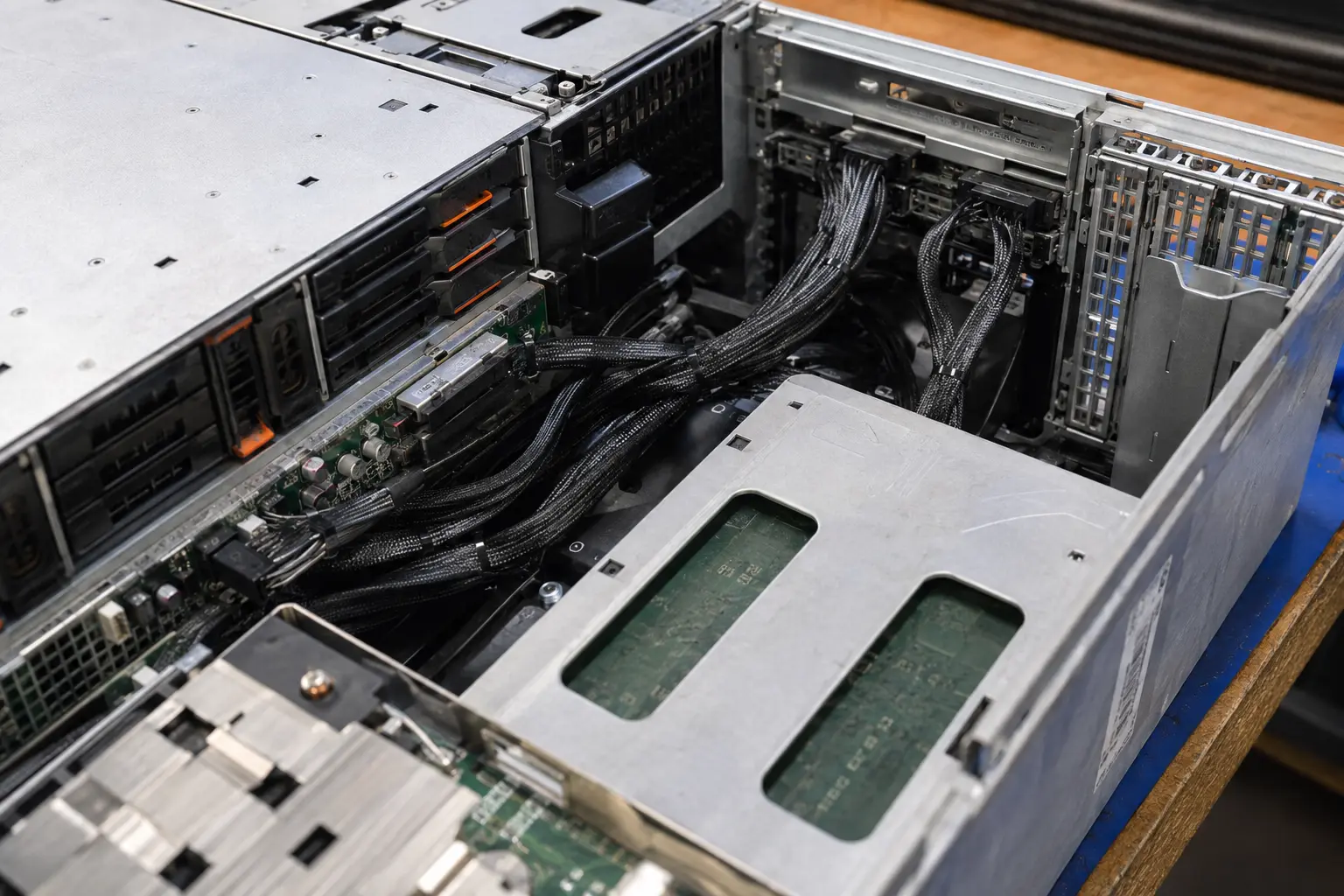
Use the equipment path rather than a product photo. MCIO and SlimSAS assemblies can look similar in a small image, while pinout, direction, lane topology and cable exit may differ.
 04
Send host model, target model, connector photos, target length, quantity, project stage and any drawing or old cable label. List unavailable fields for supplier review.
 05
We check both endpoints, direction, cable exit, construction, document availability and whether the request matches a buildable cable route.
06If the host side is MCIO, start from MCIO products. If the board calls out SFF-8654, start from SlimSAS. If neither side is confirmed, use Custom Cable.
Resolve these points before comparing price, lead time or sample approval.
Small product photos rarely show keying, latch side, cable exit or wiring definition clearly enough for a buildable quote.
A cable that looks right can still be wrong if the host-to-target relationship and lane topology do not match the platform.
Generation, data rate and compliance should be quoted only after the exact assembly and evidence are reviewed.
When both connector families appear in the available material, send the equipment path and references first. The RFQ can then be routed to MCIO, SlimSAS or a custom review after the endpoints are clear.
Send Your Requirement →01Equipment02References 03Requirements
 04RFQ