 01
Choosing from appearance
Similar connector shapes can hide different keying, pinout, lane mapping, cable exit and direction.
Most wrong cable purchases begin before the quote: the buyer chooses from a photo, copies a short marketplace title, or leaves direction and equipment roles unclear.
 EndpointsApplication
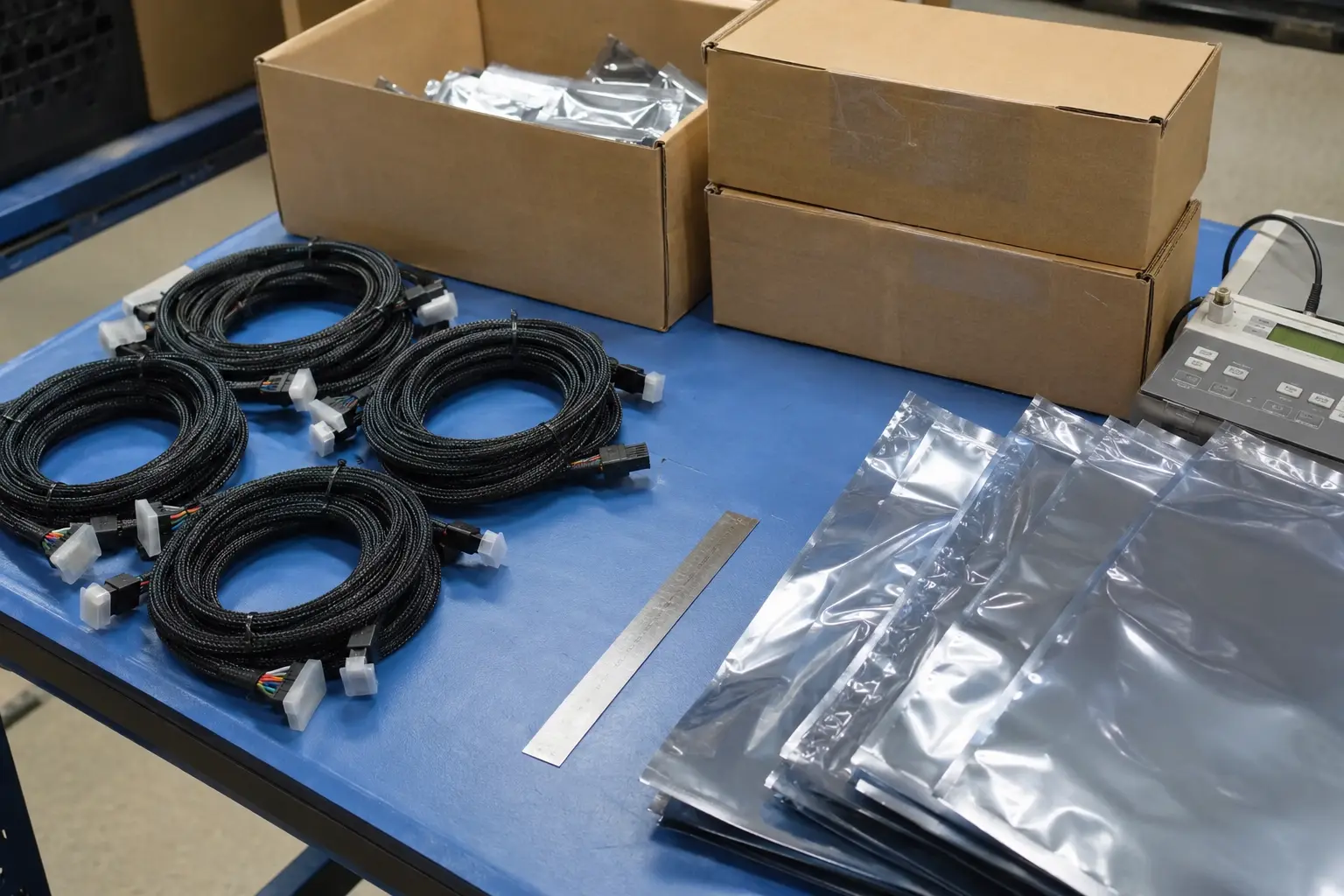
 Drawing / sample
Most wrong cable purchases begin before the quote: the buyer chooses from a photo, copies a short marketplace title, or leaves direction and equipment roles unclear.
Wrong cable purchases usually come from treating a cable as a commodity before the equipment path is clear. Price comparison should come after direction, endpoint, topology, length and mechanical fit are checked. This guide lists the buying mistakes to remove before an RFQ becomes expensive.
Use this table to prepare the first RFQ message. List unavailable details as review questions.
If a detail is not available yet, list it as an open question for supplier review.
01Similar connector shapes can hide different keying, pinout, lane mapping, cable exit and direction.
02A supplier needs to know which side is controller, backplane, device, adapter or endpoint.
 03
Lane format must match the board and topology; it is not a simple upgrade choice.
 04
These endpoints require different evidence for direction, power, sideband and mechanical fit.
 05
Plug angle, latch side, cable exit, bend path and branch length can stop installation.
06A lower quote is not useful if the cable direction, length, documents or platform fit are still uncertain.
Resolve these points before comparing price, lead time or sample approval.
Pictures rarely prove keying, pinout, orientation or wire mapping.
U.2, SATA and OCuLink need different direction, power and sideband checks.
A cable can be electrically correct and still unusable if it cannot route through the chassis.
Compare price after the cable path is clear. Start from the closest product family, send available evidence and list open items as technical questions.
01Equipment02References 03Requirements
 04RFQ