 01
01Identify the OCuLink side
Send the OCuLink mating interface, device, adapter or backplane reference. Similar-looking ports may still require different cable construction.
OCuLink cable requests often fail when the buyer only names the connector. A useful RFQ must confirm the source connector, OCuLink form, host and target roles, lane topology and cable routing.
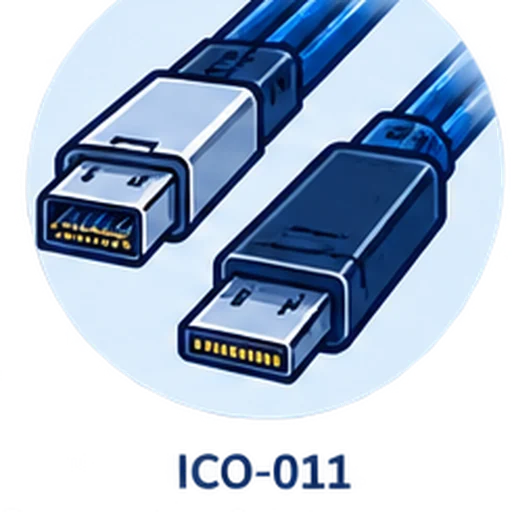 EndpointsApplication
 Drawing / sample
OCuLink cable requests often fail when the buyer only names the connector. A useful RFQ must confirm the source connector, OCuLink form, host and target roles, lane topology and cable routing.
OCuLink cable assembly RFQs need more than an OCuLink connector name. Buyers should identify the exact OCuLink mating side, the other endpoint, the host and target roles, lane topology, sideband or platform-specific wiring needs, and the physical route through the chassis. This prevents a supplier from quoting a cable that matches the word but not the system.
Use this table to prepare the first RFQ message. If an item is unknown, leave it as a review question instead of guessing.
Unknown items can remain open. The goal is to make them visible instead of hiding them inside an assumed product match.
01Send the OCuLink mating interface, device, adapter or backplane reference. Similar-looking ports may still require different cable construction.
02Confirm whether the source side is MCIO, Mini SAS HD SFF-8643, another board connector or a custom requirement.
 03
03Direction, sideband wiring and lane mapping depend on what each end connects to. A connector name alone does not prove compatibility.
 04
04OCuLink projects often sit in tight chassis space. Cable exit, bend path, latch clearance and service access should be checked before quote.
 05
05Send host equipment, target equipment, connector photos, routing photo, length, quantity, protocol need and any drawing or sample.
06Use Custom Cable when the source connector, pinout, sideband wiring or mechanical route does not match an existing product page.
These are the mistakes to remove before price, lead time or sample approval becomes meaningful.
OCuLink names the endpoint family, not the full cable construction or platform compatibility.
MCIO-to-OCuLink and SFF-8643-to-OCuLink are different RFQ routes.
A technically matched cable can still fail if the latch or cable exit conflicts with the enclosure.
For OCuLink, the safest first step is to describe the complete equipment path. Once the source connector and OCuLink endpoint are identified, the request can move to a product page or custom cable review.
Send Your Requirement →01Endpoints02Check 03Build route
 04Quote